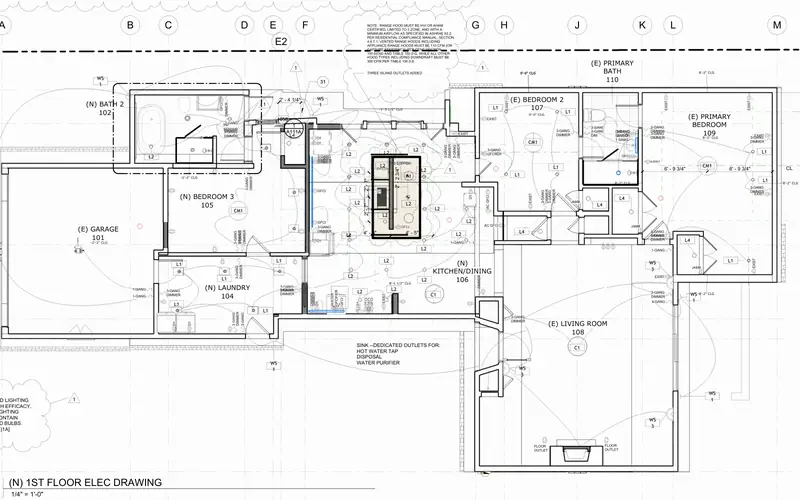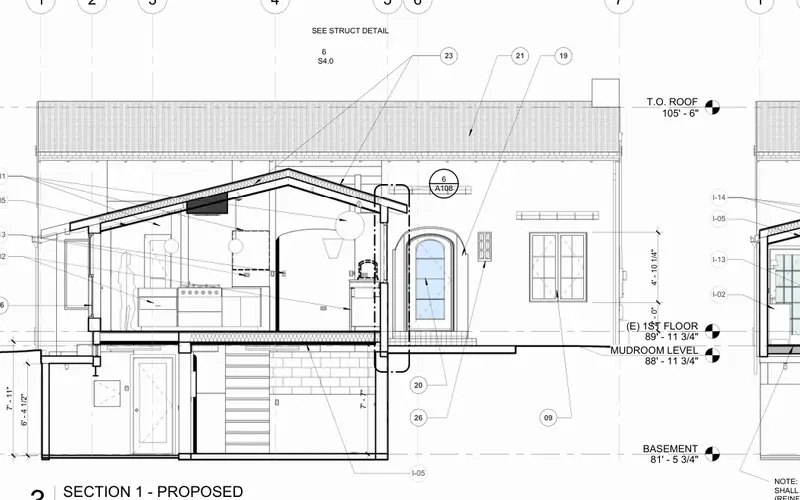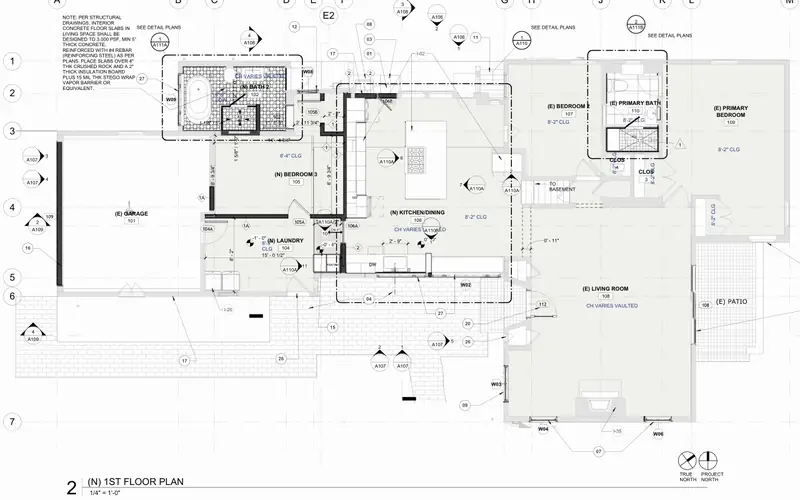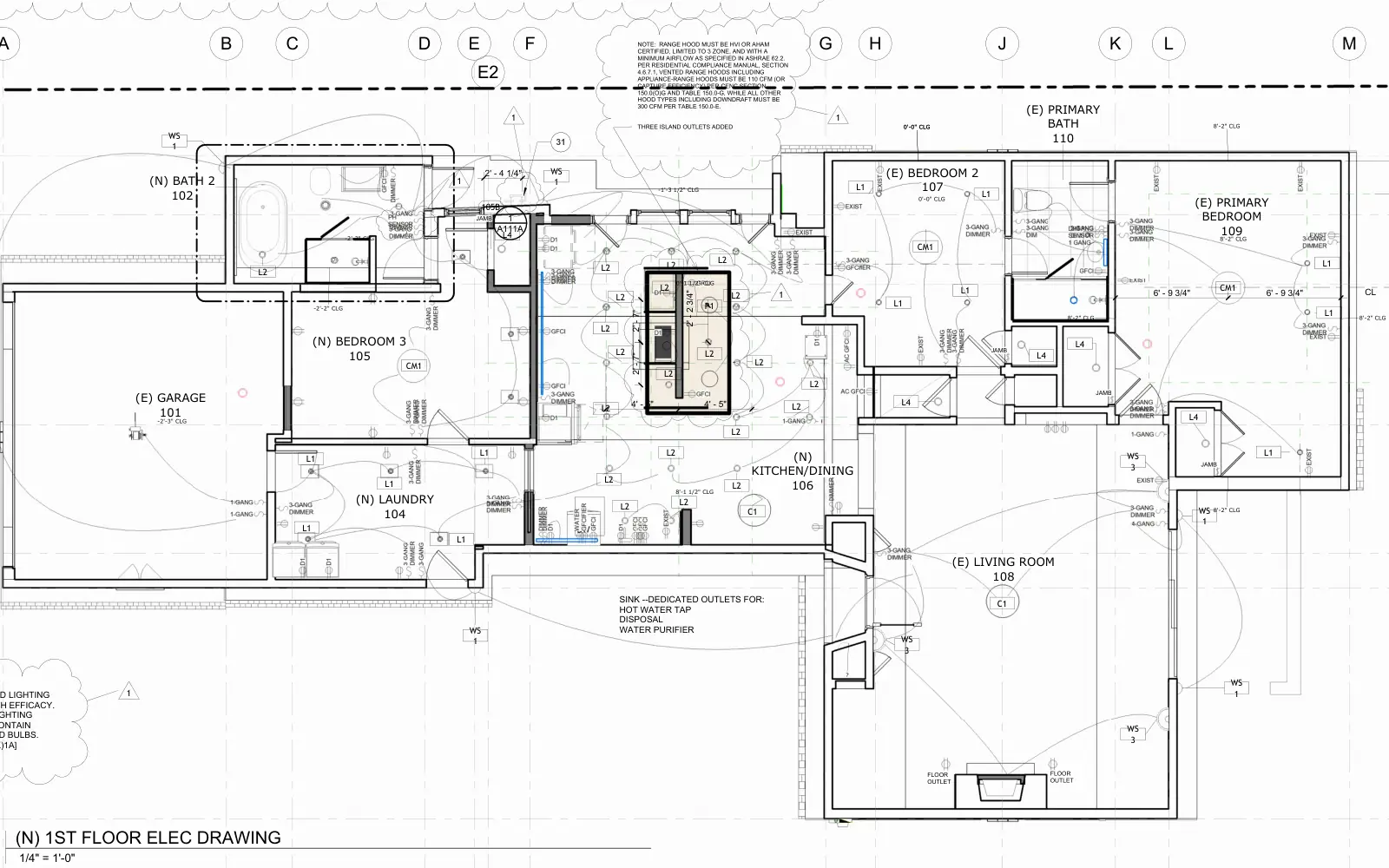
A clash found on screen costs minutes to fix. The same clash found on site, a duct running straight through a beam, can cost days of rework, a revised drawing and an unhappy client. MEP clash detection exists to move those discoveries from the site to the model.
What a federated model is
Each discipline (architecture, structure, mechanical, electrical, plumbing) usually works in its own model. A federated model combines them into one shared view for review, typically in a tool such as Navisworks or a cloud coordination platform.
Federation does not merge ownership. Each discipline still edits its own model; the federated view is where everyone checks how they fit together.
The three types of clashes
Hard clashes
Two elements physically occupy the same space, such as a pipe through a column or a duct through a beam. These are the obvious ones, and the most expensive if they reach site.
Soft (clearance) clashes
Nothing overlaps, but required space is violated: no room for insulation, maintenance access or code clearances around equipment.
Workflow (4D) clashes
The geometry is fine, but the construction sequence is not: equipment that cannot be installed because a wall goes up first, or a crane path blocked by temporary works.
How a coordination round works
- Collect the latest models. Every discipline publishes its current model on an agreed date.
- Check before you clash. Confirm shared coordinates, units and that each model is the current revision. Clash results from misaligned models are just noise.
- Run the clash tests. Run them by system pair (for example structure vs. ductwork) using agreed tolerances.
- Group and filter. One badly routed duct can create 200 clashes. Group them into real issues before anyone reads the report.
- Assign each issue. Every issue goes to one named discipline lead, often using BCF issues so it opens directly in their software.
- Resolve and retest. Designers fix the issue in their own model; the next round confirms it is closed.
Rules that keep clash reports useful
- Agree tolerances up front. A 5 mm overlap in a ceiling void may be acceptable; in a structural connection it is not.
- Set priorities. Structure and large ducts first, small pipes and cable trays later.
- One owner per issue. Issues shared between “everyone” are resolved by no one.
- Track status, not just counts. “Open, in progress, resolved, verified” tells you more than “312 clashes”.
- Keep design decisions with the designers. The coordinator finds and documents issues; the responsible engineer decides the fix.
What you should receive after each round
- A short issue list grouped by location and system, with screenshots
- Who owns each issue and the due date
- What was resolved since the last round
- Updated models or a note on which revision was checked
How we support coordination
Axys3D builds and coordinates MEP and structural models, runs clash rounds against your tolerances and tracks every issue to the right engineer, while your team keeps design authority. Learn more about our MEP coordination support and BIM production, or talk to us about your project.